10 AI Lead Generation Tools for Small Teams
Most advice about AI lead generation tools treats them like interchangeable platforms. Pick one, connect your CRM, let the agent work. That framing is wrong for small teams. Your bottleneck usually isn't “lead generation” in the abstract. It's one break in the funnel: you can't find in-market conversations, your contact data is weak, your emails don't land, your sequences take too long to run, or your account research is too shallow to support enterprise outreach.
That distinction matters because the category is no longer experimental. A 2024 benchmark cited 67% of B2B marketers using AI for lead qualification and scoring, with 37% higher conversion rates and 52% lower cost per lead for organizations using AI-powered prospecting. The lesson isn't that every tool works equally well. It's that teams get measurable gains when AI is attached to the right operational job.
Small teams also need to resist the fantasy of the all-in-one stack. Independent coverage argues that lead generation is often a stack, not one tool, because most products are strongest in only one or two layers such as data, signals, delivery, or routing. That's why this roundup compares workflow fit, setup burden, pricing mechanics, and the hidden costs behind “cheap” plans. Sometimes the right answer is one platform. Often it's a narrow combination.
If email is your constraint, start with infrastructure and how to improve email deliverability. If demand discovery is your constraint, you may need a very different tool than a sequencer.
Table of Contents
- 1. Bazzly
- 2. Apollo.io
- 3. Clay
- 4. Instantly
- 5. lemlist
- 6. Reply.io
- 7. Smartlead
- 8. Snov.io
- 9. Hunter
- 10. ZoomInfo
- Top 10 AI Lead Generation Tools Comparison
- Build the Smallest Workflow That Can Prove Demand
1. Bazzly
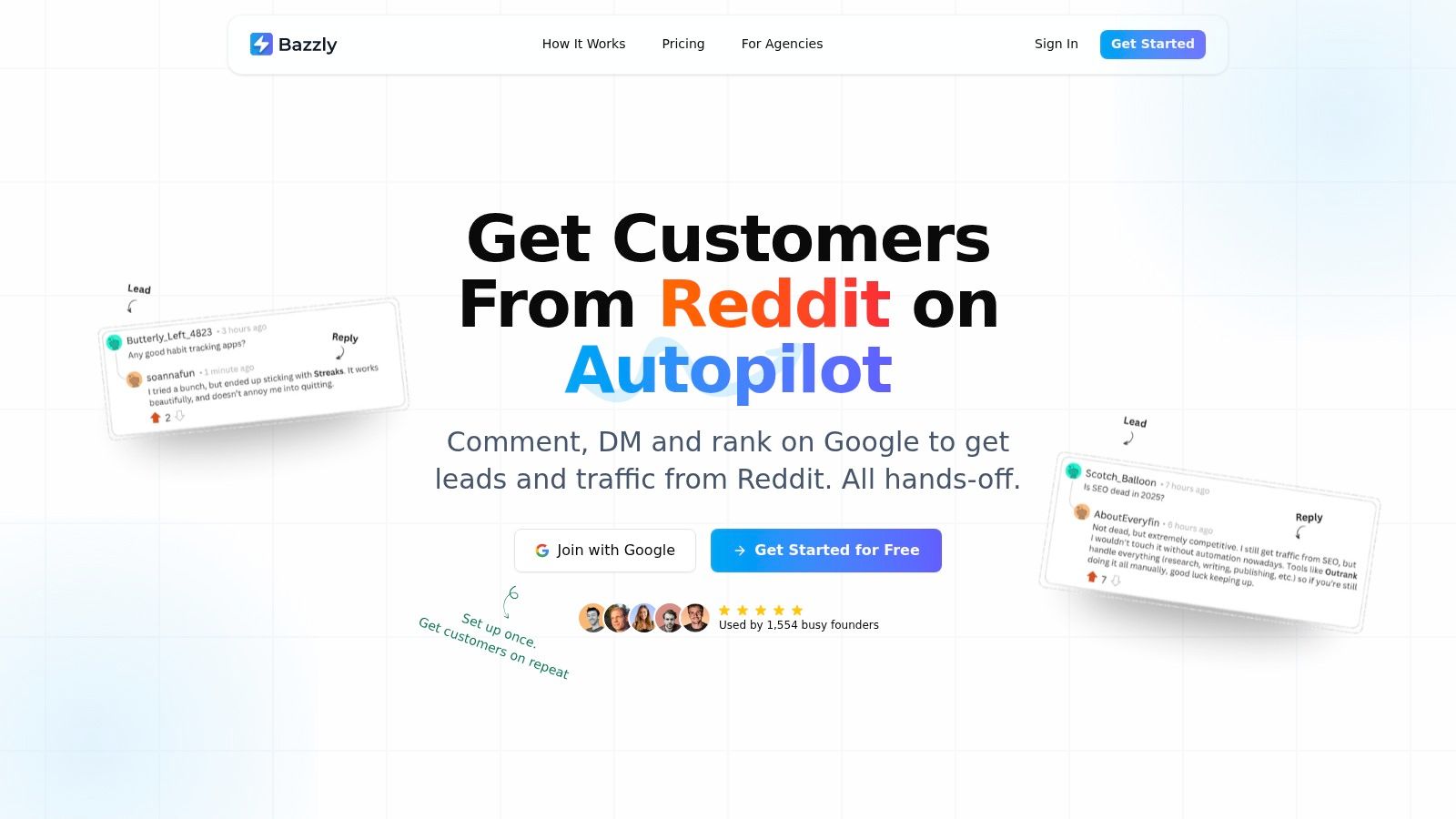
Bazzly belongs in a different bucket from the rest of this list. It is not primarily a contact database or an email sequencer. Its job is earlier in the workflow: finding demand that already exists in public conversations, then helping a small team respond before that intent disappears.
That distinction matters because Reddit is not a list-building channel. It is a live signal channel. If founders sell into categories where prospects ask peers for tool recommendations, implementation help, or workaround advice in subreddits, the operational question is not "how many leads can we export?" It is "can we identify relevant threads quickly enough, and can we respond in a way that does not read like automation?"
Bazzly is built around that job. After setup, it monitors selected subreddits, identifies threads that match targeting rules, drafts replies with AI, and supports posting through aged accounts or through your own account via a Chrome extension. It also supports DMs when a thread suggests a concrete follow-up opportunity.
Best fit for teams using Reddit as a demand capture channel
Bazzly makes the most sense when the bottleneck sits above the CRM. A team already knows its buyers discuss the problem publicly, but nobody can monitor those communities every day or write replies at useful speed. In that case, Bazzly is competing less with Apollo or ZoomInfo than with manual founder research, community monitoring, and inconsistent response times.
The benefit is not scale in the database sense. The benefit is timing and relevance. A decent reply in an active thread can outperform a larger cold list because the buyer has already declared the problem in public.
The cost model is also different from the usual seat-based logic. Instead of buying broad access to records, buyers are paying for actions inside a conversation workflow. The current site presentation centers on credits tied to posting, upvotes, drafts, and DMs. That means the true budget depends on intensity of use, subreddit coverage, and how often the team wants automated participation rather than simple monitoring. Buyers should verify current plan details directly with the vendor before building a usage model.
Practical rule: If Reddit is part of acquisition, estimate cost by weekly actions and oversight time, not by the headline monthly plan.
That exposes a hidden trade-off. Bazzly can look inexpensive at low volume, then become meaningfully more expensive if a team runs several products, several communities, or a high-frequency reply strategy. The cheaper alternative is often a narrower setup where the tool only surfaces threads and a human handles the posting.
Where Bazzly fits in a lean stack
For a founder or two-person growth team, Bazzly is usually a top-of-funnel layer, not the whole system. It can pair well with a CRM and a lightweight outbound setup because it handles discovery in one channel that databases miss. It is less useful if the market does not discuss vendors openly on Reddit, if the product requires heavy compliance review before outreach, or if the brand cannot tolerate the reputational risk of getting community tone wrong.
That last point deserves more weight than vendors usually give it. Email outreach has deliverability risk. Reddit automation has authenticity risk. Poorly targeted comments can damage brand perception even when the copy is technically relevant, and subreddit norms vary enough that one approval pattern rarely transfers cleanly to another.
Useful strengths and limits:
- Best job: Monitoring Reddit for in-market conversations, then turning those threads into replies or DMs.
- Operational upside: Saves founder time once targeting rules and posting standards are set.
- Hidden cost: Credit consumption rises with posting volume, community breadth, and multi-project use.
- Main risk: Authenticity, account trust, and subreddit fit still need human review.
Bazzly is a practical choice for teams whose acquisition problem starts with demand discovery in public communities, not with missing emails or weak enrichment.
2. Apollo.io
Apollo.io is the classic “single pane” option for small B2B teams that want one system for prospect data, enrichment, and outreach. If your current issue is fragmented execution, too many browser tabs, too much CSV work, Apollo is often the fastest path to operational order.
Its value is convenience. You can research prospects, pull contact data, draft outreach, launch sequences, and manage calls without stitching together multiple vendors. For founders who don't want to build a custom stack yet, that consolidation matters more than having the absolute best module in every category.
Best fit for teams that need data plus execution in one place
Apollo makes sense when your bottleneck is “we know who we want to target, but we can't move from list to sequence fast enough.” In that case, a broad platform can beat a specialized one because it reduces handoffs.
The catch is that broad doesn't mean perfect. Independent analysis of the category notes that many buyers still struggle to operationalize tools even after adopting AI in some capacity, and that implementation often lags behind purchase in real sales workflows, as discussed in this analysis of lead generation software stacks. Apollo is convenient, but you still need process discipline around list quality, exports, and routing.
Broad platforms save setup time. They don't eliminate the need to verify niche data before launch.
That's especially true in narrow industries, founder-led sales motions, or geographies where database coverage can vary. Apollo is usually strongest as the operating hub, then paired with occasional verification or enrichment from another tool.
Useful lens for Apollo:
- Best job: Moving from prospect discovery to live outbound in one workspace.
- Hidden cost: Plan limits, credit logic, and data variance by niche.
- Operational upside: Faster launch for very small teams.
- Risk area: Buyers can mistake convenience for data certainty.
If you want one tool first, Apollo is one of the most rational starting points.
3. Clay
Clay fits a different job than the all-in-one tools around it. It is less a prospecting database and more a system for deciding how records get built, checked, enriched, and prepared for outreach.
That distinction matters for lean teams.
If your acquisition workflow already produces some demand signals, from website visitors, niche lists, partner ecosystems, job changes, funding events, or communities, Clay can turn those raw inputs into usable accounts and contacts. If you still need a tool to tell you who to target in the first place, Clay usually adds complexity before it adds output.
A practical way to evaluate it is to ask where your bottleneck sits:
- If you need to find broad top-of-funnel volume fast, Clay is rarely the first tool to buy.
- If you already know the segment and need better account coverage, cleaner contact data, or custom research before launch, Clay becomes much more compelling.
- If your motion depends on account-specific context, such as agency outreach, services for niche verticals, founder-led outbound, or ABM support, Clay's value comes from control rather than convenience.
That control has real operating value. You can set provider waterfalls, enrich only when a field is missing, score accounts against your own criteria, and generate personalized variables before records ever reach an outbound tool. In a small stack, that often makes Clay the layer between demand capture and execution, not the system that replaces both.
Independent 2026 coverage makes a useful distinction. Clay tends to be strong at enrichment orchestration and workflow design, while tools built around intent capture are often better at surfacing buying signals on their own, according to this category mapping of AI lead generation tools. The practical conclusion is simple. Clay improves how you process lead inputs. It is less reliable as the only source of those inputs.
The cost model follows the same logic. Clay's billing separates Data Credits from platform Actions, which rewards teams that build carefully and punishes teams that experiment without guardrails. A cheap-looking workflow can get expensive once you stack multiple enrichments, AI research steps, and retries across large tables. The hidden bill is not only credits. It is operator time spent designing logic, checking outputs, and pruning columns that looked useful but do not change conversion.
For many founders, the right combination is Clay plus a sending platform, or Clay plus a core database and a sender. That setup can produce better-fit lists than a single broad platform, but only if someone on the team can manage the workflow. Otherwise, the extra control becomes setup debt.
Use Clay when the job is precision.
- Best job: Turning fragmented lead inputs into enriched, prioritized, outreach-ready records.
- Why teams choose it: More control over provider order, field logic, personalization, and data quality checks.
- Where costs hide: Credit usage, AI actions, and the time required to maintain workflows.
- Where it breaks down: Early-stage teams that have not proven a channel yet often overbuild the system before they know which signals matter.
Clay is strongest after you have some evidence of demand and want a cleaner way to process it. It is a poor substitute for basic market selection, messaging, or deliverability discipline.
4. Instantly
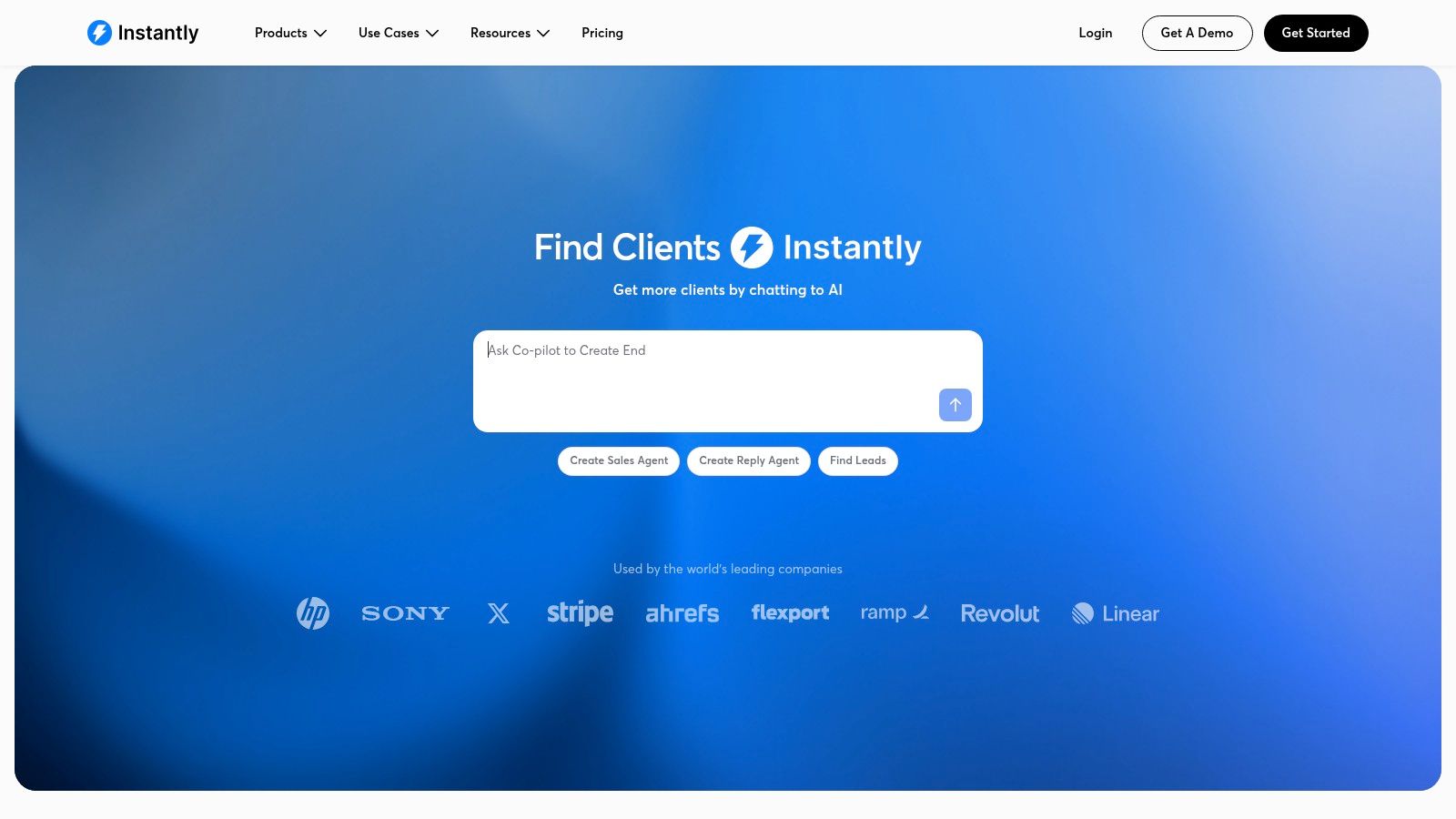
Instantly is an execution tool first. It's designed for teams that already believe email can work and need a system to send at volume without paying per mailbox. That makes it attractive to agencies, operators managing several domains, and solo founders who need reach more than deep intelligence.
Its core appeal is simple. You can run many inboxes, manage warmup, rotate sending, and use AI-assisted workflows around replies and basic sales tasks. That's not the same as having the best lead data, but it solves a real delivery problem.
Best fit for high-volume outbound where deliverability is the main constraint
Some founders buy data tools when their real issue is infrastructure. If your lists are decent but your campaigns stall because domains are underprepared or mailbox management is chaotic, Instantly can be the cleaner answer.
That aligns with a broader shift in AI-enabled sales workflows. One industry roundup reports that 54% of sales teams have AI agents deployed and 41% say AI is fully implemented rather than only in testing. The practical takeaway is that execution layers are maturing, but mature tooling still doesn't remove the need for sound sending practices.
Deliverability software doesn't create demand. It protects your ability to reach the demand you already identified.
What small teams miss when pricing outbound tools
Flat-feeling pricing can hide real infrastructure work. Unlimited accounts sound simple, but someone still has to manage domains, DNS records, inbox health, and copy quality. Instantly reduces that burden. It doesn't erase it.
This is why Instantly is usually strongest paired with a better data source or signal source. On its own, it can launch campaigns. In a lean stack, it often sits downstream of Clay, Apollo, or a conversation-based source such as Bazzly.
- Best job: Email execution and sending scale.
- Hidden cost: Domain setup, reputation maintenance, and campaign hygiene.
- Operational upside: Quick path to volume without per-mailbox friction.
- Risk area: Weak segmentation or bad lists will still fail, just faster.
5. lemlist
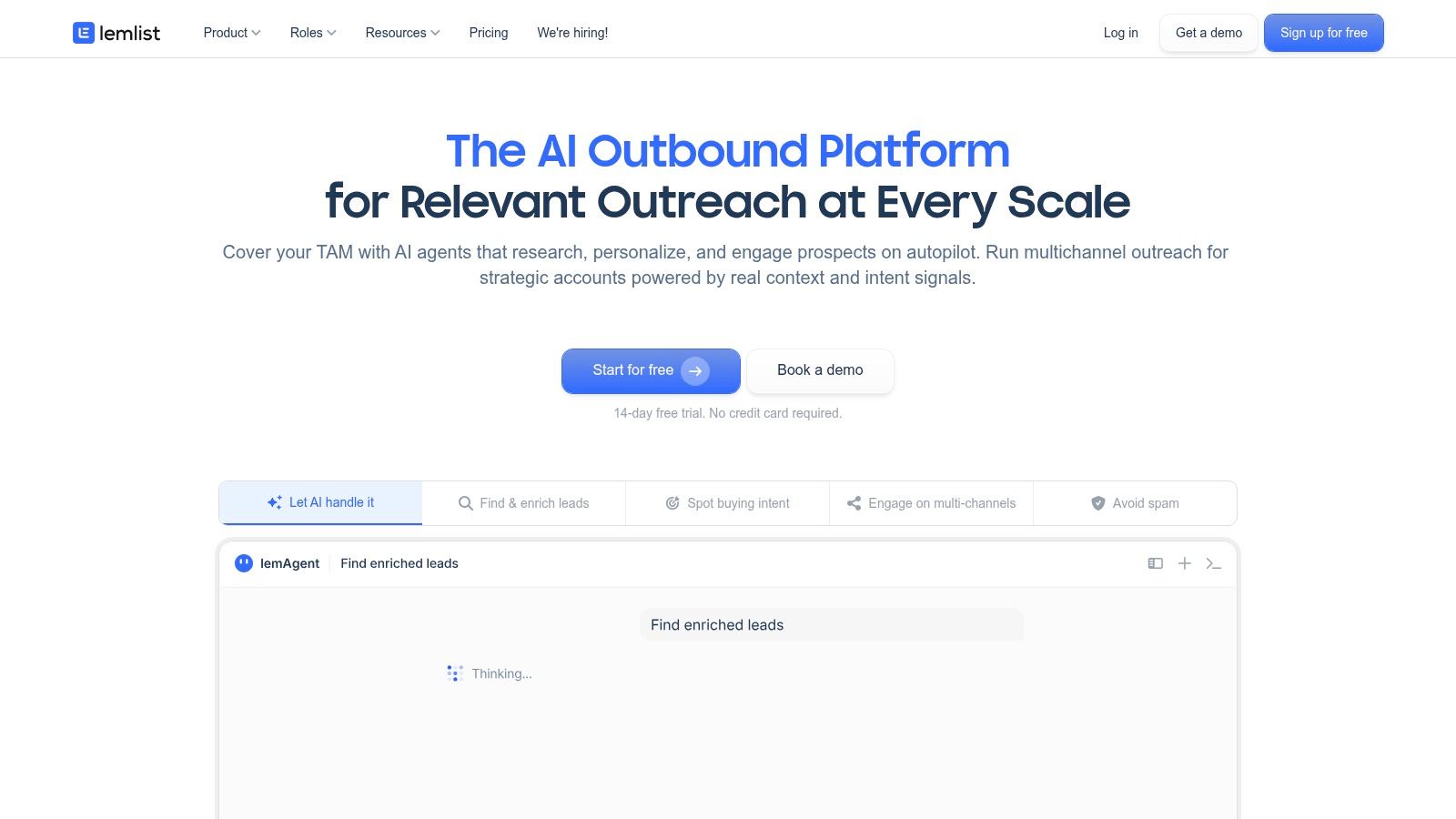
lemlist makes the most sense if your acquisition problem sits between prospecting and execution. It is less specialized than a pure sender and less flexible than assembling Clay plus a separate sequencer, but that middle position is useful for small teams that want one place to build coordinated outbound.
The practical question is not whether lemlist has AI features. Many tools in this category do. The better question is which job you are asking it to do in a lean workflow.
If you already know who to target and need high-volume inbox infrastructure, lemlist is usually not the first tool I would choose. If your team needs a rep-friendly system for email, LinkedIn, and calls, with enough built-in data to get campaigns live quickly, it fits better. That trade-off matters because multichannel control and operator convenience often come with higher seat costs and more add-on usage than buyers expect at the start.
One useful way to evaluate lemlist is to map it against the hidden work it removes and the hidden costs it introduces:
| Workflow job | lemlist fit | Trade-off |
|---|---|---|
| Finding new accounts | Adequate, because it includes in-product data | Buyers with narrow ICPs may still need a stronger upstream data source |
| Enriching and segmenting | Moderate | Less flexible than a custom enrichment workflow |
| Launching multichannel outreach | Strong | Costs can rise as users, credits, and channels expand |
| Protecting deliverability | Helpful, but not the core reason to buy it | You still need sound list quality, copy, and account setup |
| Managing authentic public conversations | Weak | A tool like Bazzly fits that job better than a sequencer |
That last point is easy to miss. lemlist is strongest when your motion depends on structured outbound touches across private channels. It is weaker for demand capture that starts in communities, intent-rich threads, or public conversations where authenticity matters more than sequence logic.
A useful companion read is this guide to AI outreach automation for small teams, especially if you are deciding how much of research, messaging, and follow-up should stay human-controlled.
For founders, the selection path is fairly simple. Choose lemlist if you want one tool to run a human-looking outbound process without building a stack from scratch. Choose something else if you need either maximum sending scale, deeper enrichment logic, or a workflow built around conversation discovery rather than campaign orchestration.
The cost mechanics deserve scrutiny. lemlist can look efficient in a trial because setup is fast and the interface reduces training time. Later, spend often shifts into seats, contact credits, and optional data layers. That is not a flaw. It is the price of buying convenience and channel coordination inside one system instead of managing separate tools yourself.
6. Reply.io
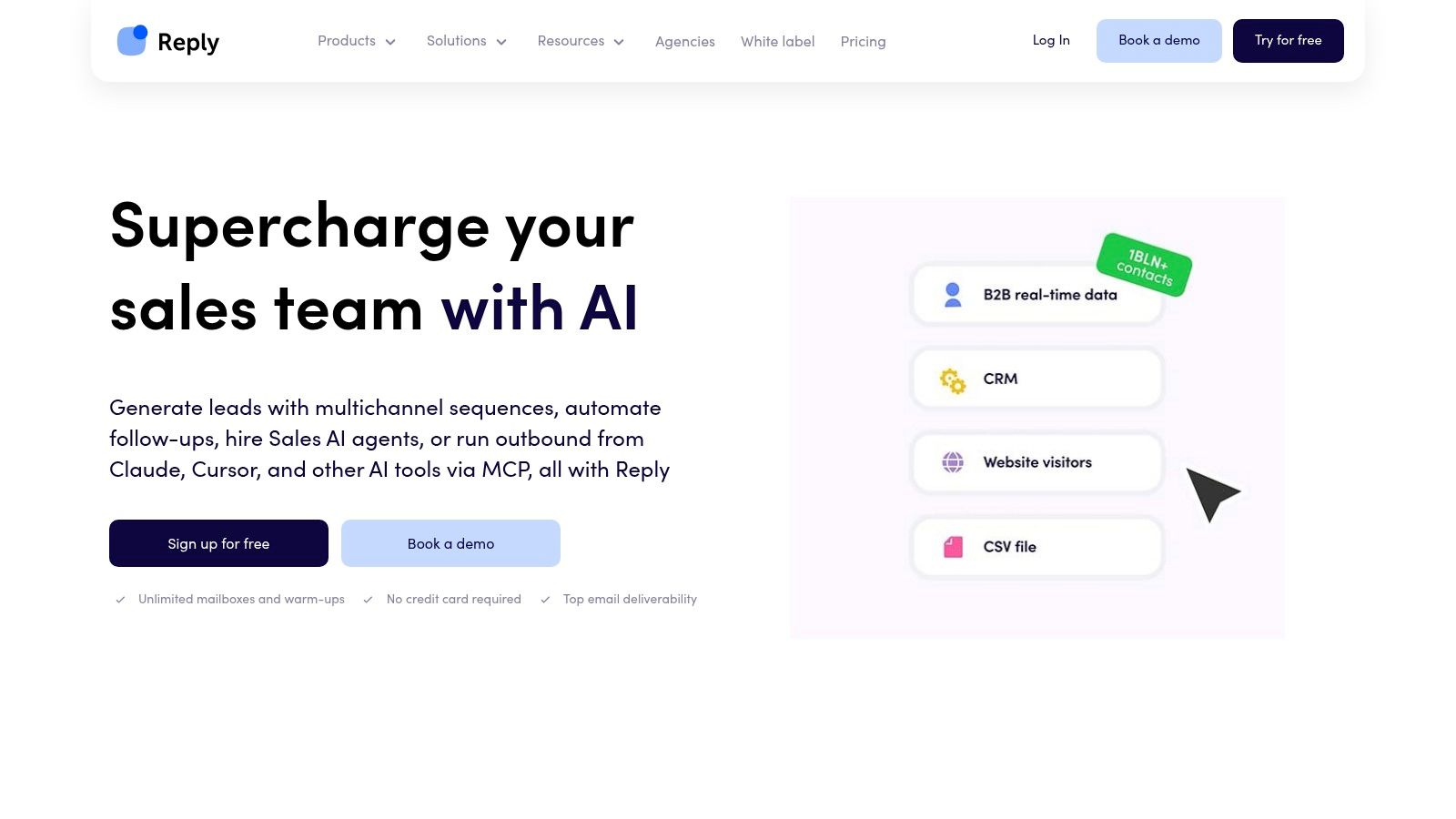
Reply.io is for teams that want AI to do more than write first lines. Its pitch is workflow participation. The AI SDR layer can help find prospects, generate sequences, and manage responses across channels.
That makes Reply.io more ambitious than a basic sequencer. It's trying to automate pieces of the SDR function, not just message production.
Best fit for teams testing AI-assisted SDR work, not just outreach copy
If your bottleneck is response handling or sequence setup, Reply.io can reduce operator burden. It spans email, calls, SMS, and related outbound tasks, so the workflow can continue after launch instead of stopping at send.
Still, buyers should stay skeptical. Recent independent commentary on AI SDRs argues that the boundary is trust and judgment. AI can struggle when signals conflict, when a buyer is hesitant, or when a committee dynamic needs context, as argued in this discussion of AI lead generation limits. That's a better lens than asking whether the agent has more features.
The hard part of outbound isn't drafting another sequence. It's knowing when the sequence should stop and a human should step in.
Reply.io is useful when you treat it as an assistant with range, not a replacement for sales judgment.
Cost and control trade-offs
Reply.io's packaging is fairly legible, which helps smaller buyers compare plans without a long procurement process. But like many outbound suites, “unlimited” storage or usage language can depend on fair-use rules. Teams should confirm practical ceilings before scaling campaigns.
- Best job: AI-assisted multichannel outbound and reply management.
- Hidden cost: Soft limits and the need for human oversight on nuanced conversations.
- Operational upside: Reduces SDR busywork across more than one channel.
- Risk area: Overtrusting autopilot in high-context deals.
7. Smartlead
More outbound teams have a lead problem than a sending problem. Smartlead matters for the cases where sending is the constraint.
Its role in a lean acquisition workflow is narrow but clear. Smartlead handles the delivery layer: mailbox rotation, sending infrastructure, warmup, and campaign operations for teams that already have lead sources and segmentation upstream. If Apollo, Clay, Bazzly, or another tool is doing the account selection and enrichment work, Smartlead can sit behind them as the execution engine.
That division of labor is the main reason some operators prefer it. You keep prospecting logic in one place and sending mechanics in another. For small teams, that can improve control. It also creates extra setup, because someone still has to connect inboxes, manage domains, watch reputation, and move clean data into campaigns.
A useful way to evaluate Smartlead is to ask one question: are you trying to find better prospects, or send to more prospects without breaking deliverability?
If the first problem is still unsolved, Smartlead will not fix it. If the second problem is blocking growth, it can be a better fit than broader sales engagement suites that bundle weak data with decent sequencing.
That makes Smartlead a strong choice for agencies, outbound operators, and founder-led teams that have already separated sourcing from sending. The hidden cost is not only another subscription. It is the operational load of running a multi-tool workflow and the risk of mistaking mailbox scale for message-market fit.
Use Smartlead when your workflow already works in principle and now needs higher sending throughput, better inbox management, or more control over infrastructure. Skip it if you still need one tool to find leads, enrich accounts, and test whether a market segment responds at all.
- Best job: Running cold email delivery at scale after lead selection is already handled elsewhere.
- Where it fits: The outreach execution layer in a stack that uses separate tools for data and enrichment.
- Hidden cost: Inbox setup, domain management, and added workflow complexity across tools.
- Main risk: Higher volume can hide weak targeting until reply quality drops.
8. Snov.io
Snov.io is the practical ramp-up option. It combines email finding, verification, outreach, CRM functions, and deliverability support in a package that tends to suit founders moving from manual prospecting toward a more repeatable process.
It doesn't try to dominate every category. That's partly why it works. For many small teams, “good across several basics” is more valuable than “best in one area but missing three others.”
Best fit for early-stage teams that need finder, verifier, and outreach together
Snov.io is a reasonable choice when your process is still maturing. You need to find contacts, verify them, run sequences, and keep basic pipeline records without buying several specialist tools. It also offers team sharing and integrations, which helps once more than one person touches the workflow.
The trade-off is depth. Compared with premium data providers, the database layer is lighter. Compared with dedicated sequencers, the outreach environment is less specialized. Compared with custom enrichment workbenches, the research logic is simpler.
That balance can still be exactly right for a founder-led team. Especially if the immediate goal is to stop losing time between prospecting, cleaning data, and launching outreach.
- Best job: Consolidating finder, verification, outreach, and light CRM work.
- Hidden cost: Add-on costs for adjacent motions such as LinkedIn automation.
- Operational upside: Predictable starting point for a small team.
- Risk area: Teams can outgrow its depth before they outgrow its convenience.
Snov.io is rarely the flashiest option. It's often one of the safer first systems.
9. Hunter
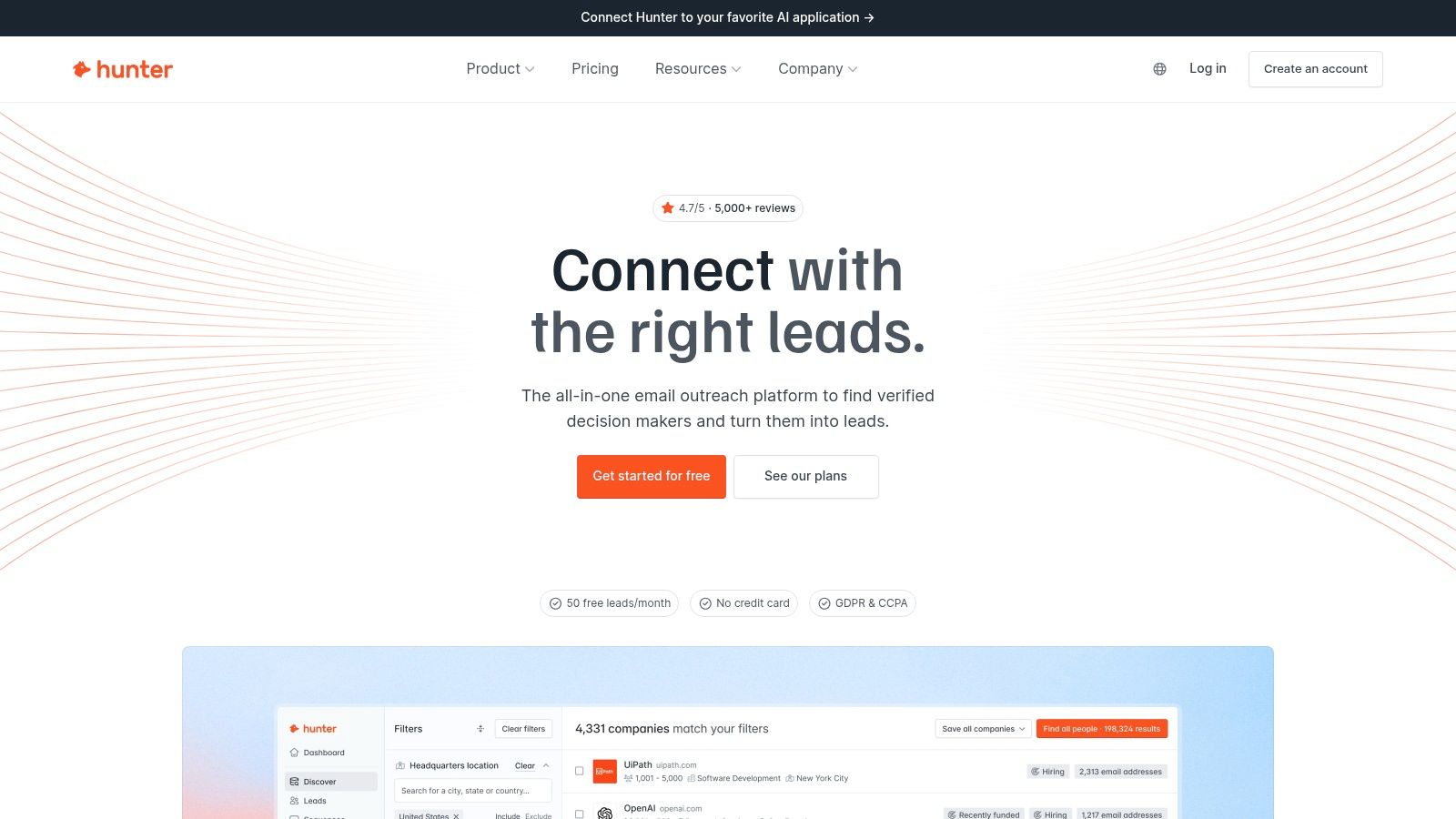
Hunter fits a narrower job than several tools in this list, and that focus is its advantage. In a lean acquisition workflow, it sits between list building and outreach. The value is not more automation. The value is fewer bad records entering your sequencer.
That matters because outreach tools charge on volume, while inbox placement is constrained by quality. If a founder exports contacts from a database, enriches them in Clay, or sources them manually from websites and LinkedIn, Hunter can act as the checkpoint before those records touch Instantly, Smartlead, or lemlist.
Its strongest use case is simple. You already know which accounts you want. You do not need an all-in-one prospecting system. You need email discovery, domain-level contact research, and verification that lowers the chance of wasting sends on invalid addresses.
A specialist layer can be cheaper than a broader platform if it removes enough bad data from the workflow. That is the hidden math buyers often miss when comparing monthly subscription prices across B2B lead generation tools. The comparison is not feature count. It is cost per usable contact and the downstream effect on deliverability.
Hunter also has a control advantage for small teams. The setup burden is low, the pricing logic is usually easier to understand than credit-heavy enrichment tools, and the API gives technical teams a clean way to verify leads inside existing workflows. The trade-off is clear too. Hunter does not solve sequencing, intent, or account-level research. If your problem is demand discovery, Reddit engagement, or multi-channel automation, this is the wrong layer to optimize first.
Use Hunter when contact accuracy is the bottleneck. Skip it if your bottleneck is top-of-funnel volume or campaign execution.
For a founder building a minimum viable outbound stack, Hunter is often a good second purchase, not a first one. Start with a source of prospects. Add Hunter to clean and verify. Then connect a sequencer. That order usually produces better results than buying a larger platform and assuming its built-in data quality is good enough.
- Best for: Teams that already have target accounts and need a verification gate before launch.
- Works well with: Clay for enrichment, Apollo for sourcing, and Instantly or Smartlead for sending.
- Cost risk: Another subscription if you expected one tool to cover sourcing, verification, and outreach.
- Operational gain: Better list hygiene, clearer deliverability protection, and less wasted sequence volume.
10. ZoomInfo
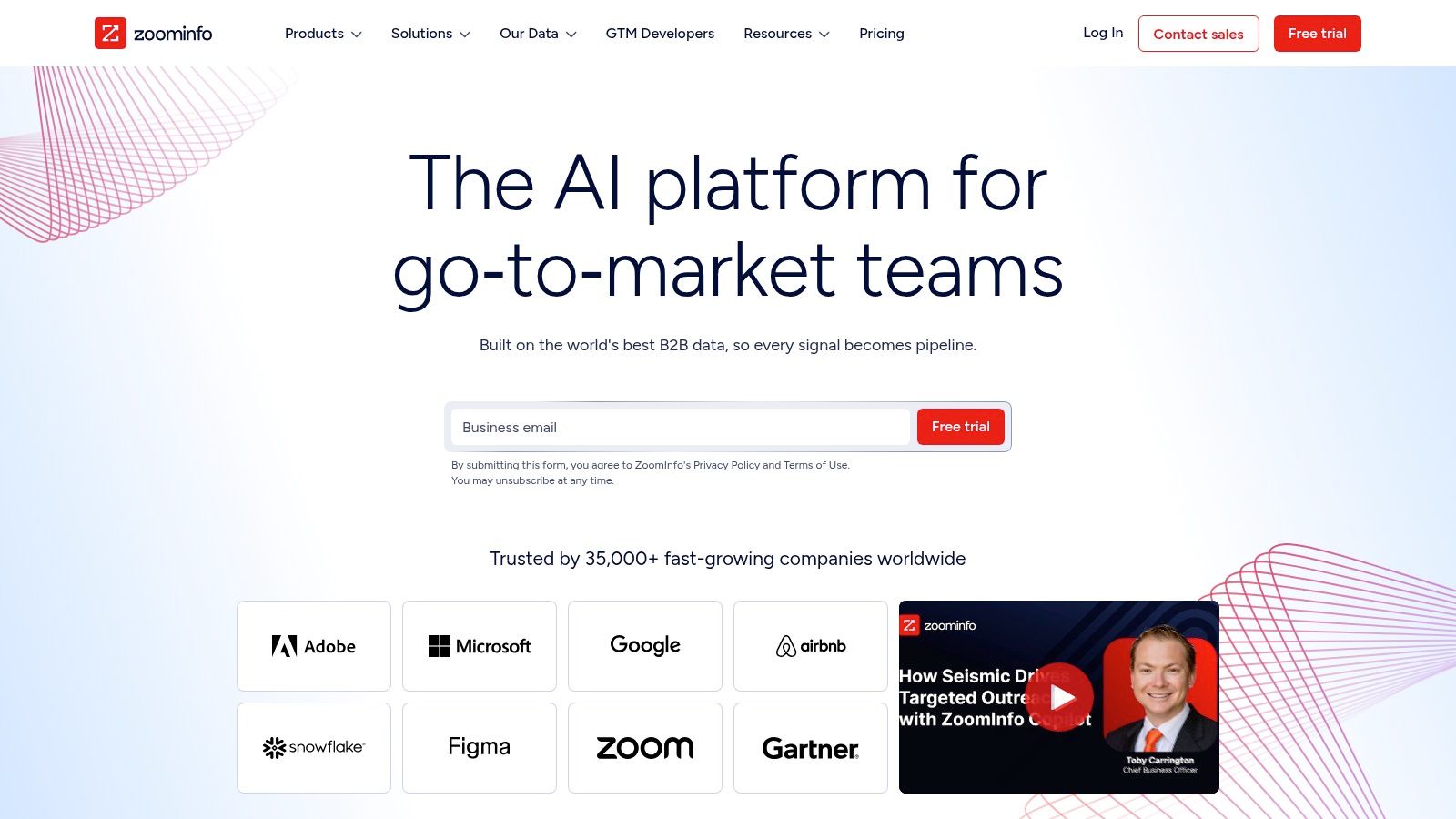
Founders often overbuy at this stage. ZoomInfo usually makes sense only after a team has already proved outbound demand and knows that account coverage, committee mapping, and territory depth are the constraint.
That distinction matters because ZoomInfo is not competing for the same job as Apollo, Clay, or Instantly in a lean workflow. It sits closer to the enterprise ABM layer. The product is built for teams that need to map subsidiaries, departments, seniority layers, and buying groups across large account lists, then route that data into sales and marketing systems. If your current problem is finding enough qualified prospects to test messaging, that extra depth often sits idle.
A better way to assess ZoomInfo is by asking what work it replaces. For an enterprise motion, it can reduce the need to stitch together separate vendors for account research, contact discovery, enrichment, and sales intelligence. For a small team, the trade-off usually runs the other way. You get broader coverage and more organizational context, but you also take on a sales-led buying process, heavier onboarding, and a cost structure that is harder to model upfront.
Public product materials from ZoomInfo Sales emphasize conversation intelligence, buyer intent, workflow automation, and account-level data inside one system. That package is useful if your go-to-market motion depends on coordinated SDR, AE, and marketing activity across named accounts. It is less useful if one founder is still testing ICP, writing copy, and sending the first few hundred emails personally.
Here is the practical selection rule:
- Choose ZoomInfo if the job is enterprise account intelligence and ABM support across complex buying committees.
- Choose lighter combinations if the job is proving demand fast. Apollo or Clay for sourcing and enrichment, then Instantly, Smartlead, or lemlist for execution.
- Expect hidden cost in procurement time, onboarding, and contract structure, not just subscription price.
- Expect the upside in control over large account maps, territory planning, and CRM coverage.
ZoomInfo is rational later than many buyers assume. Once a team knows its market, has deliverability under control, and needs better account penetration rather than more raw lead volume, the platform starts to fit the workflow.
Top 10 AI Lead Generation Tools Comparison
| Product | Core features | 👥 Target audience | ✨ Unique selling points | ★ UX / Rating | 💰 Price / Value |
|---|---|---|---|---|---|
| 🏆 Bazzly | Subreddit monitoring, AI reply drafts, warmed‑up accounts, smart upvotes, 1‑click DMs | Busy founders & small teams | ✨ Full autopilot Reddit growth; SEO + AI assistant compounding; low ban‑risk options | ★★★★☆, Hands‑off, rapid onboarding | 💰 $199/mo (170 credits) reported; mentions $99 option; credit‑based actions |
| Apollo.io | Large B2B DB, sequences, dialer, AI assistant, enrichment | Founders & SMBs needing data→outreach | ✨ All‑in‑one prospecting + native engagement | ★★★★☆, Broad feature set | 💰 Free starter tier; paid tiers with credits |
| Clay | Visual workflows, multi‑source enrichment, AI personalization | Teams needing custom enrichment logic | ✨ Highly customizable provider waterfalls & data engineering | ★★★★☆, Powerful but more setup | 💰 Usage + Data Credits; variable pricing |
| Instantly | Unlimited email accounts, warmup, deliverability, AI reply agents | Agencies & solo founders needing high volume | ✨ Unlimited mailboxes + built‑in reply agents | ★★★★☆, Fast to launch, scaleable | 💰 Flat‑rate send bundles; plan limits apply |
| lemlist | Multichannel sequences, data marketplace, lemAgent, deliverability | Small B2B teams wanting polished UX | ✨ Polished multichannel flows + in‑product data | ★★★★☆, User‑friendly multi‑touch | 💰 Per‑user plans; pay‑as‑you‑go data add‑ons |
| Reply.io | AI SDR agent, multichannel automation, dialer, email finder | Founders wanting AI‑assisted outbound | ✨ AI SDR autopilot for prospecting & sequences | ★★★★☆, Clear packaging | 💰 Tiered plans (Email/Multichannel/AI SDR) |
| Smartlead | Unlimited mailboxes, SmartServers, deliverability tools, API | Agencies needing large‑scale sending | ✨ Cost‑efficient scale; whitelabel & infra add‑ons | ★★★☆☆, Email‑centric, robust infra | 💰 No per‑mailbox fee; infra/add‑ons priced |
| Snov.io | Email finder/verification, sequences, CRM, MCP connector | Founders ramping from starter→pro | ✨ Balanced finder + verification + outreach | ★★★★☆, Affordable, predictable | 💰 Credit‑based data pricing; unlimited storage on paid tiers |
| Hunter | Domain search, email finder, bulk verifier, sequences | Teams needing reliable email discovery | ✨ Strong verification & transparent credits | ★★★★☆, Simple, trustworthy | 💰 Predictable credit pricing; basic outreach included |
| ZoomInfo (SalesOS) | Deep firmographics, direct dials, org charts, intent, AI Copilot | Mid→enterprise ABM and RevOps teams | ✨ Best‑in‑class coverage & enterprise ABM tooling | ★★★★☆, Enterprise‑grade, comprehensive | 💰 Sales‑led pricing; typically high TCO |
| Reply.io | AI SDR agent, multichannel automation, dialer, email finder | Founders wanting AI‑assisted outbound | ✨ AI SDR autopilot for prospecting & sequences | ★★★★☆, Clear packaging | 💰 Tiered plans (Email/Multichannel/AI SDR) |
Build the Smallest Workflow That Can Prove Demand
The wrong way to buy AI lead generation tools is to compare feature grids and ask which platform does the most. The better question is narrower. Where does your funnel break first?
If buyers already ask for solutions publicly, start with demand discovery. That's where a tool like Bazzly can outperform a traditional outbound stack, because it inserts your product into live, high-intent conversations instead of forcing a cold start. If you already know your market and just need names, a data-and-sequencing platform like Apollo may be enough. If your targets are nuanced and your list logic needs customization, Clay becomes more compelling. If you already have leads but can't send reliably, Instantly or Smartlead may solve more than another database ever will.
AI adoption is now mainstream, but implementation quality still separates useful systems from expensive shelfware. One benchmark summary reported 84% of sales professionals now use AI in their workflow and 92% of sellers using AI agents say it benefits prospecting. That doesn't mean every team has a good stack. It means many teams have purchased AI and are still learning where it improves output.
For small teams, the smartest selection path usually looks like this:
- Start with channel evidence: Choose the place where you already see buyer activity. Reddit threads, cold email, account-based targeting, or light inbound follow-up each require different tooling.
- Diagnose the constraint: Separate data problems from execution problems. Bad sends need deliverability help. Good sends to bad contacts need verification or enrichment. No demand needs a different channel, not better copy.
- Model the hidden costs: Count credits, seats, mailbox infrastructure, verification, setup time, and operator hours. The cheapest headline plan is often not the cheapest workflow.
- Protect control early: Favor tools that let you inspect what the AI is doing before you fully automate. That's especially important in public channels and nuanced sales conversations.
Measure qualified conversations and signups first. Sends, scraped contacts, and generated drafts are only activity.
The best first test is small and specific. Pick one segment, one offer, one channel, and one success event. For example: founders in a narrow SaaS niche, one pain-led message, one sending domain. Or one Reddit cluster, one product angle, one DM handoff. Run it long enough to see whether qualified conversations appear. Then decide what's missing.
Only add a second tool once a real gap shows up. If Reddit produces conversations but no system for capture, add CRM support. If Apollo finds targets but bounce risk rises, add Hunter. If Clay enriches well but you need stronger send infrastructure, pair it with Smartlead or Instantly. If lemlist handles multichannel sequences but account selection is weak, move upstream and improve your data source.
Most founders don't need the biggest stack. They need the smallest workflow that proves repeatable demand, preserves authenticity, and doesn't bury them in setup. That's the standard that matters.
If your problem isn't list building but finding real buyer intent in the wild, Bazzly offers a different approach. It monitors relevant Reddit conversations, drafts context-aware replies and DMs, and helps small teams turn discussion threads into a repeatable acquisition channel. See how it works at Bazzly.


